How to Check and Update the Alphatag Firmware Version
Checking the Firmware Version
Before using the devices, we recommend checking the current firmware version.
To do this, go to alphatag.com and open Firmware section. The current version is listed there. Compare it with the version installed on your set.
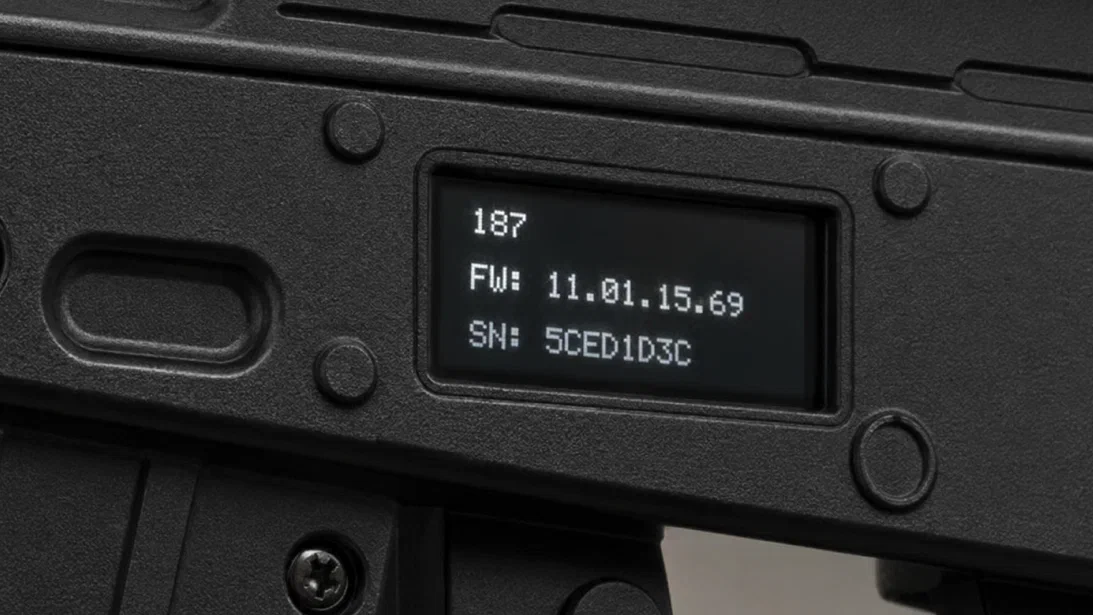
To check the firmware version on your set, turn on the tagger, headband, helmet, or vest. If your tagger has a display, the firmware version will appear on startup in the FW line. If there is no display, you can check the firmware version in the configurator software.
Updating the Firmware
If an old firmware version is installed:
- Turn on the game sets. Make sure that Master mode and WiFi enable are enabled in the headband, vest, or helmet settings.
- Launch the configurator on a PC or tablet.
- Connect the sets to the configurator via a Wi-Fi router.
- Download the latest firmware for the Alphatag generation from alphatag.com → Firmware section.
- Open the Settings section of the configurator and select the device you want to update. Click the folder icon, select the downloaded firmware file, and click Update Firmware.
- After the update is complete, restart the device. The device will restart automatically if the corresponding checkbox is enabled in the software.
- When you turn the device on again, check the firmware version.
If an error appears in the software when updating the tagger firmware, as shown in the image below, the selected file is for the wrong revision. In this case, download the firmware file for the correct revision from the same section and repeat the update.
Important: Changes may be made to the Alphatag software to improve the product. You can download the latest version of the operating manual from alphatag.com → Firmware section, or request it from one of the LASERWAR service centers.
Related news

SOFTWARE FROM LASERWAR. WITH QUALITY IN MIND
As we created our equipment and program software for it, we comprehended that it must be comfortable for our clients.
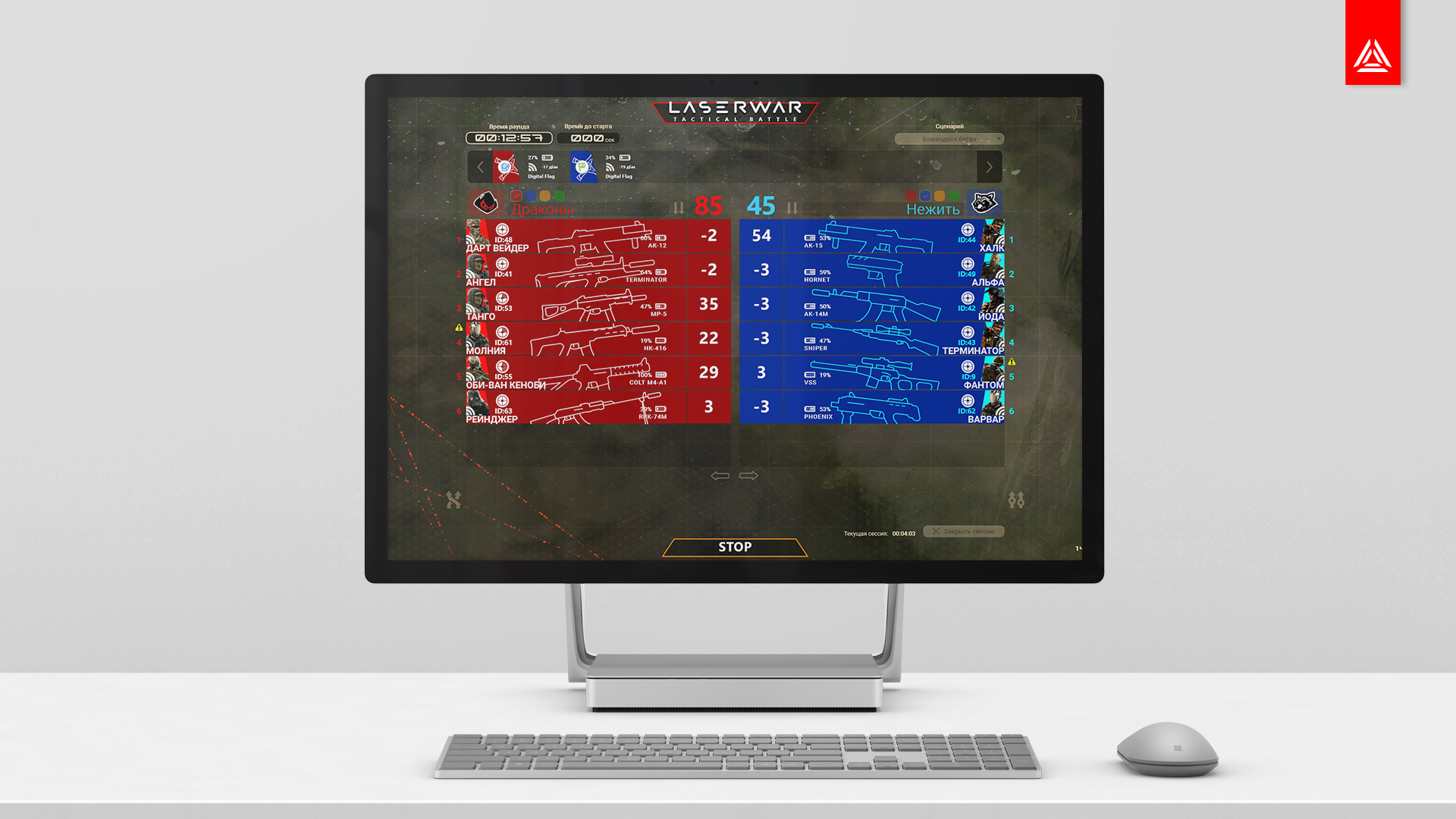
LASERWAR UI update. Digital Flag firmware
The new release of LASERWAR online configurator, version 1.123 is already available on the Microsoft Store.

TAGER Project – what is it about?
Tager is the equipment for a tactical game of the next generation . The game imitates armed combat. The objective of the game is to defeat the rival using a special light blaster, while
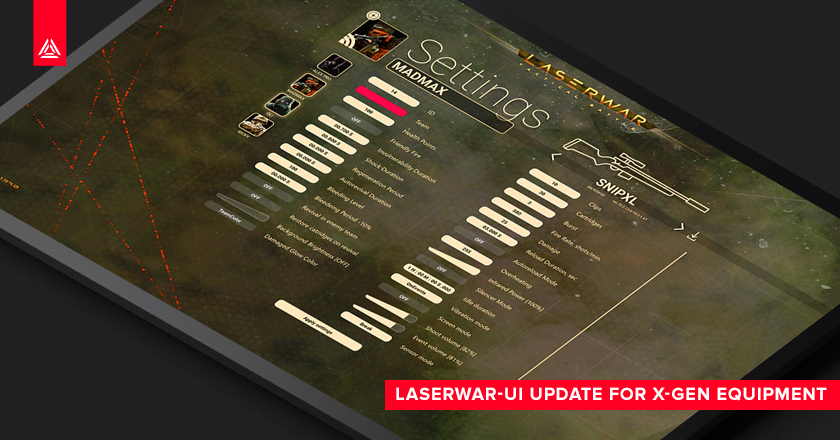
LASERWAR-UI update. Version 1.1.54.0
A new version of the LASERWAR configurator 1.1.54.0 is available in the Microsoft Store Online
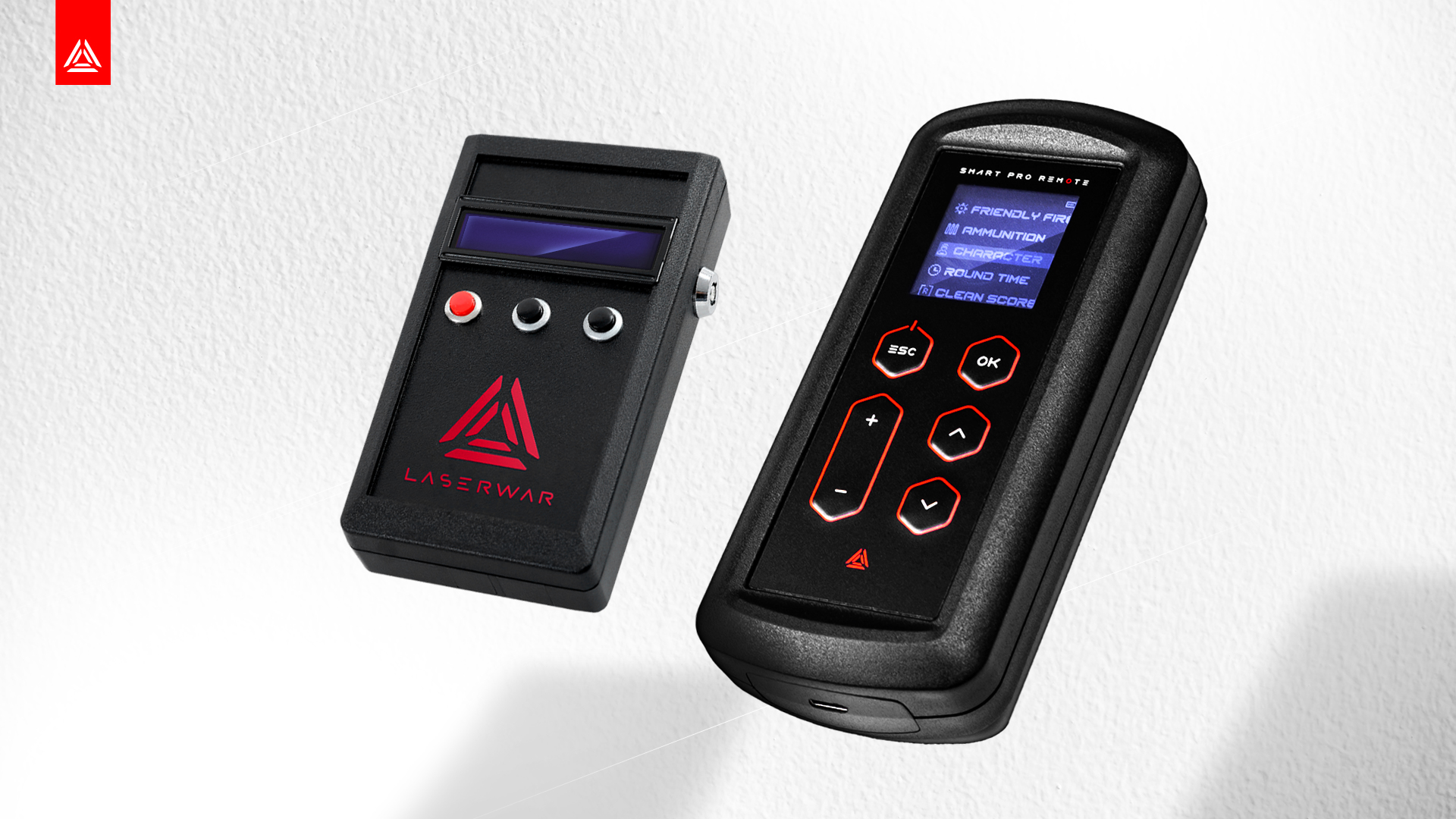
Firmware update for PRO remotes
An "infection" feature has been added in the latest LASERWAR UI software update. For ease of use, the infection control was included in the firmware of PRO remotes.
LASERWAR represents the 10th X-Generation
On October 28, in Moscow, we officially presented to laser tag fans the 10th generation of LASERWAR equipment called X-Generation.


