How to save settings and transfer them to another computer
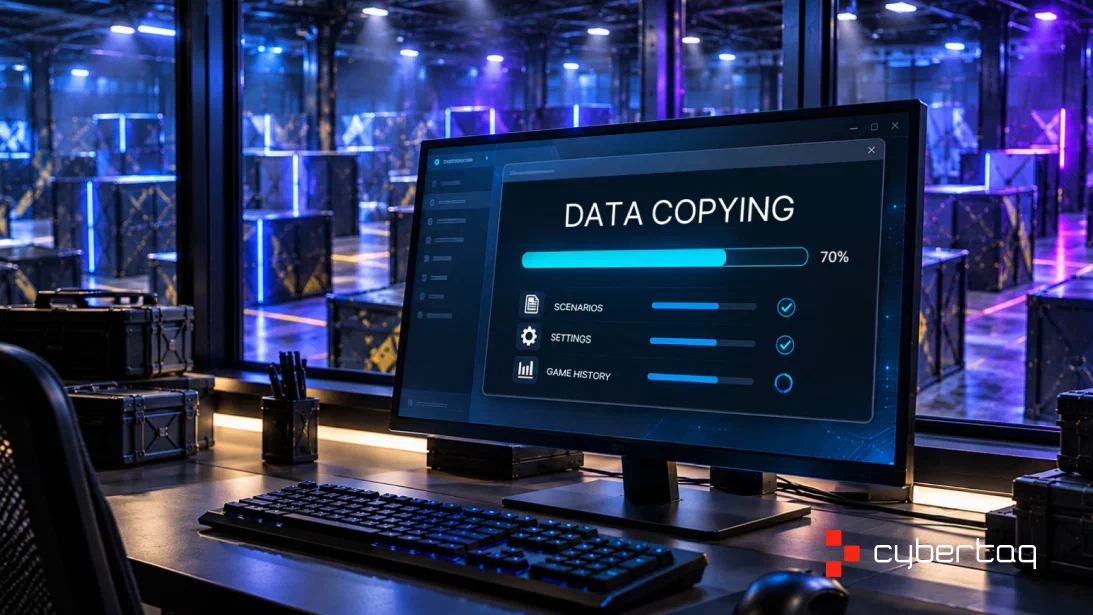
Customized scenarios, sound effects, and game history are part of the daily operations of a laser tag arena. When replacing a computer, it is important to save this data so that you can continue running games with the familiar settings.
The CYBERTAG configurator includes backup and recovery features. These functions help to save the prepared configuration and transfer it to another computer.
What can be saved
The export function allows you to transfer the configurator settings, game scenarios, and information about completed games, including data about participants, sets, and administrators.
If you added your own sounds and other media files, pay special attention to them: check whether they are included in the saved archive, and, if necessary, copy them additionally.
When to make a backup copy
Update the copy after making important changes: creating a scenario, adjusting game parameters, or adding sound effects. Before saving, check the changes in a test game so that the archive retains a working configuration.
Additionally, save the data:
- before updating the program;
- before replacing the computer or reinstalling the operating system;
- before significant changes to the settings.
If it’s important to preserve the history of all games, make copies regularly, even when the scenarios remain the same.
Include the date in the archive name and save the information about the configurator version next to it. This will help you select the correct copy during restoration.
How to transfer data to another computer
1. Create a fresh backup copy.
Use the standard configurator export function. Before saving, make sure that the required scenarios and settings are present in the program.
2. Save the archive separately from the work computer.
An external storage device or another storage option available to you will work. A copy on the same computer won’t help if access to it is lost.
3. Prepare a new computer.
Install the CYBERTAG configurator and prepare the connection to the arena network. When switching between different program versions, check the compatibility of the backup copy with technical support.
4. Restore the data.
Transfer the archive and use the backup recovery function. Check the names of the items and the order of actions against the instructions for the installed version of the program.
5. Check the operation of the arena.
Complete the transfer with testing before the guests arrive.
What to check after recovery
Open the scenarios you’re using and compare the main parameters with the usual configuration: game duration, health, ammunition, point accrual, and completion conditions.
Then check:
- сonnecting gaming kits and arena devices;
- sound playback and the availability of one’s own media files;
- the availability of the necessary information about past games;
- launch and completion of the test round;
- registration of hits and display of results.
Make a backup as part of the CYBERTAG service. If you have any questions about exporting and restoring, technical support will help you figure out your version of the program.
Related news
ALPHATAG by LASERWAR: Launch Your Arena Step by Step
When opening a laser tag center, buying the largest equipment package right away is not always the most practical approach.
LASERWAR game statistics collection systems
How the collection of game information and control of the game takes place?

TAGER Project – what is it about?
Tager is the equipment for a tactical game of the next generation . The game imitates armed combat. The objective of the game is to defeat the rival using a special light blaster, while

SOFTWARE FROM LASERWAR. WITH QUALITY IN MIND
As we created our equipment and program software for it, we comprehended that it must be comfortable for our clients.
LASERWAR represents the 10th X-Generation
On October 28, in Moscow, we officially presented to laser tag fans the 10th generation of LASERWAR equipment called X-Generation.

Three best autumn devices from LASERWAR
New exciting battles are waiting us ahead, which means it is time to remind about hightech devices that will make your games unforgettable.


